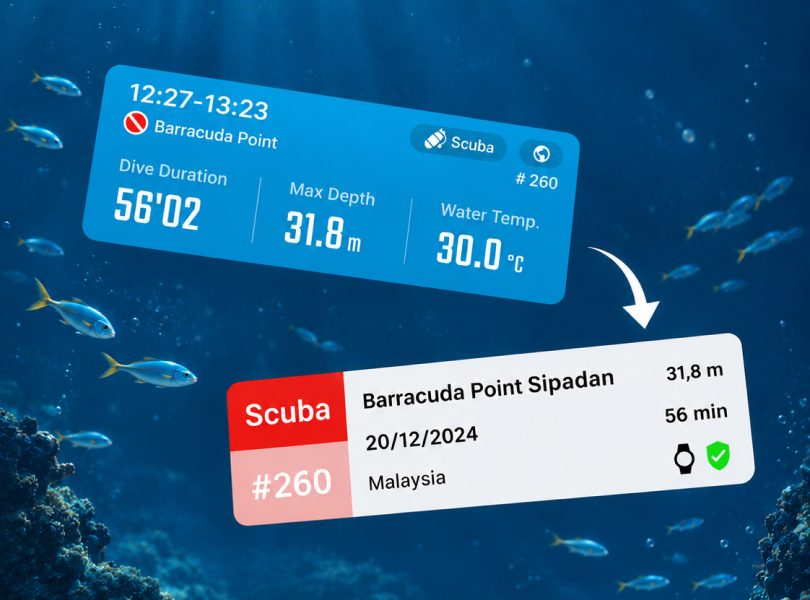
Connect ATMOS to SSI APPMISSION ONEMISSION2MISSION3 Connect ATMOS to SSI What to Know About Connecting ATMOS to SSI Connect your ATMOS app with your SSI…Miles Hsu11/05/2026
Battery Care Tips|How to Make Your Battery Last Longer MISSION ONEMISSION2MISSION3 Battery Care Tips|How to Make Your Battery Last Longer What to Know About Lithium Batteries Dive computers use lithium-ion batteries—the same kind you’ll find in phones,…Kuo Finn06/18/2025
Update the MISSION3 firmware via a computer Firmware UpdateMISSION3 Update the MISSION3 firmware via a computer Update the MISSION3 firmware via a computer. 1. Obtain the Firmware File - Download…Windy12/25/2024
MISSION Dive Computer Not Found / Sync Failed / Reset Pairing Connection APPMISSION ONEMISSION2MISSION3 MISSION Dive Computer Not Found / Sync Failed / Reset Pairing Connection ※ Please make sure your ATMOS App is the latest: https://www.atmos.app/app/ ※ Please follow the…Windy12/19/2024
Android | Setting up Dive Computer Smart Notifications APPMISSION ONEMISSION2MISSION3 Android | Setting up Dive Computer Smart Notifications Android | Setting up Dive Computer Smart Notifications For Android users using the ATMOS App…Windy04/01/2024
Fail to Pair / Can not find MISSION2 / Can not sync / Re-pair APPMISSION ONEMISSION2MISSION3 Fail to Pair / Can not find MISSION2 / Can not sync / Re-pair Fail to Pair / Can’t find MISSION2 / Can’t sync / Re-pair ※ Please…Kuo Finn07/27/2022